Audio Reactive
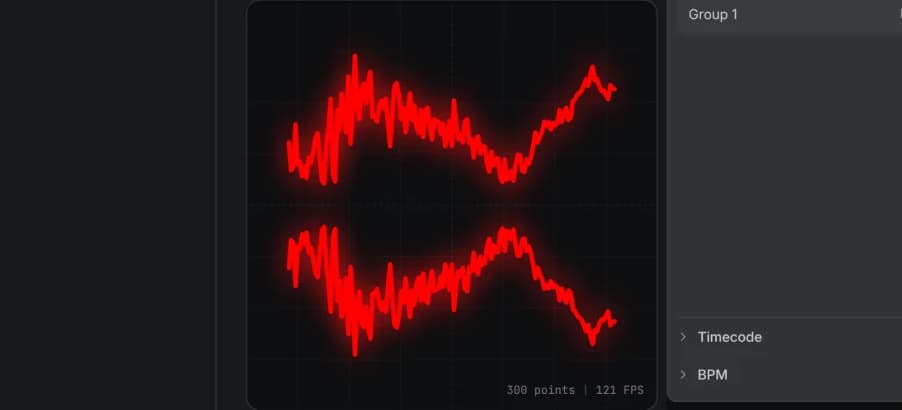
Turn music into laser visuals with audio-driven modulation and waveform projection.
Create and perform laser visuals on any ILDA projector. Build with nodes, perform live, and route your show across multiple lasers.
Modulaser started as a creative instrument for laser visuals. Modulaser 2 keeps that direct, hands-on feel, but rebuilds the editor, file system, rendering path, and output workflow for rigs that need more than one projector.
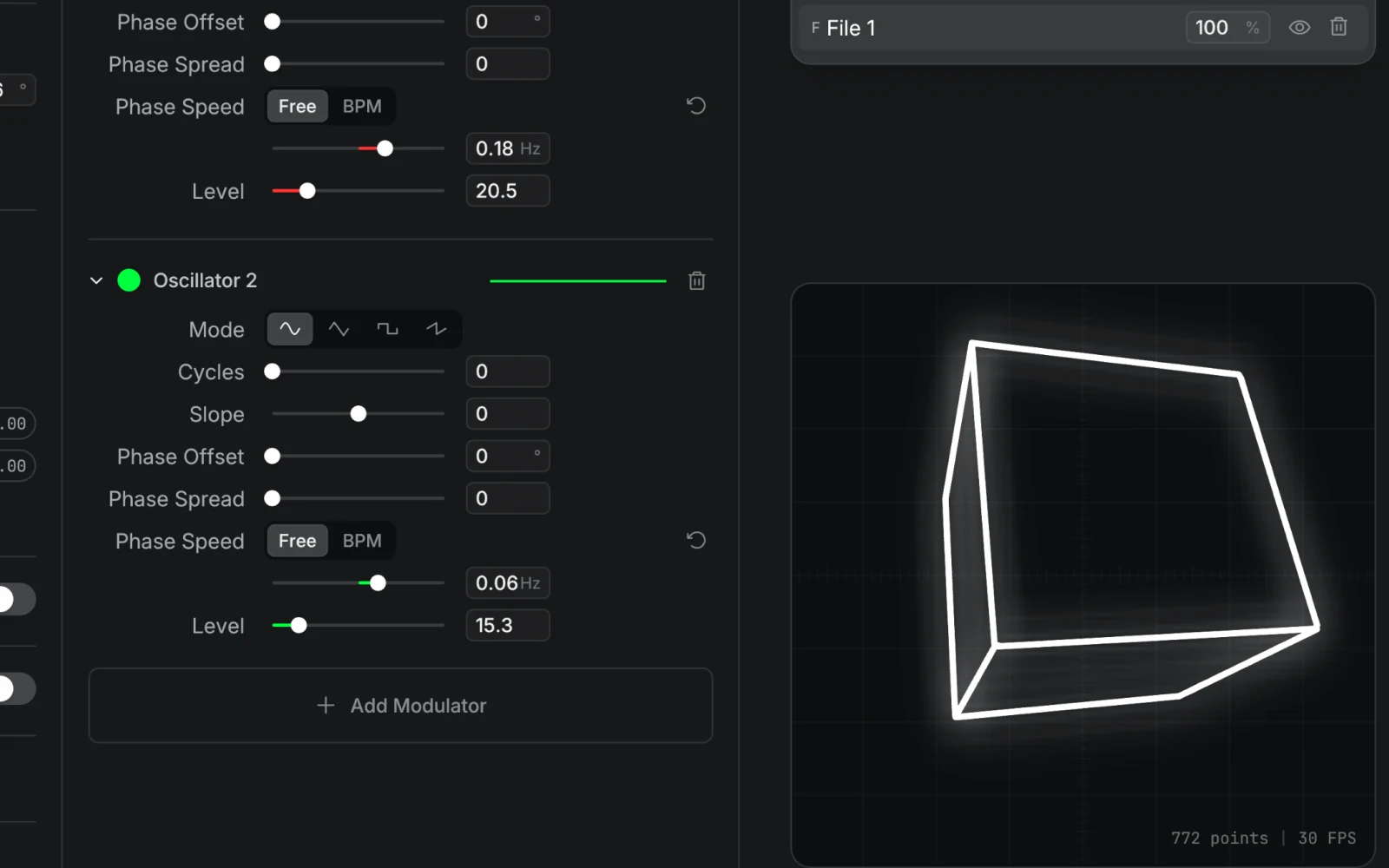
Start with quick shapes, effects, and modulation, then go deeper with the node editor when the idea asks for it. Laser show software should stay playful, curious, and easy to keep pushing.
The output engine builds laser-ready frames for each projector. Per-laser profiles, scan-aware point distribution, and blanking calibration help keep ILDA output cleaner and more stable.
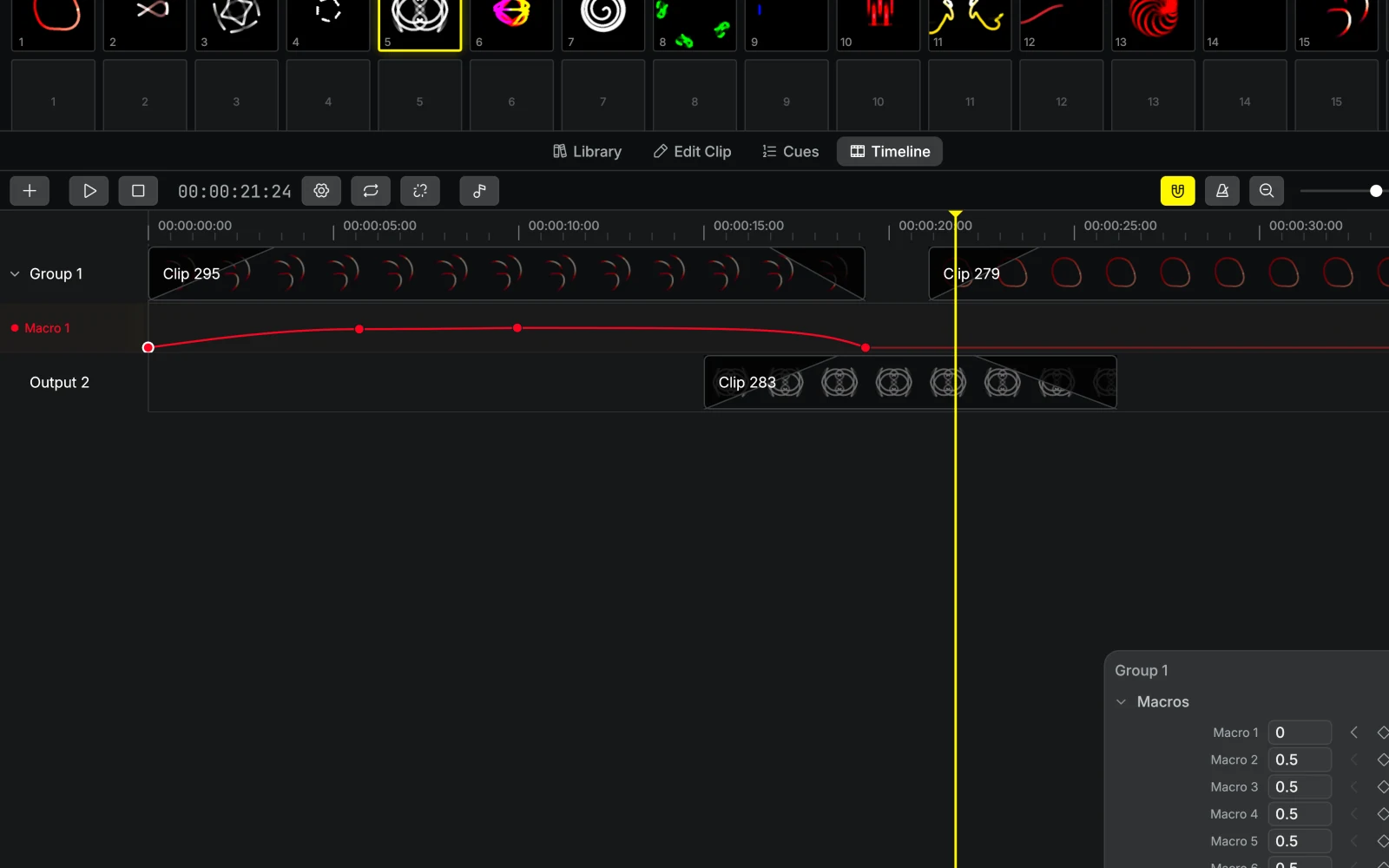
Use Output Groups to route clips across one or many lasers. Add group effects for live control, or arrange cues and timeline clips when the laser show needs to be programmed.
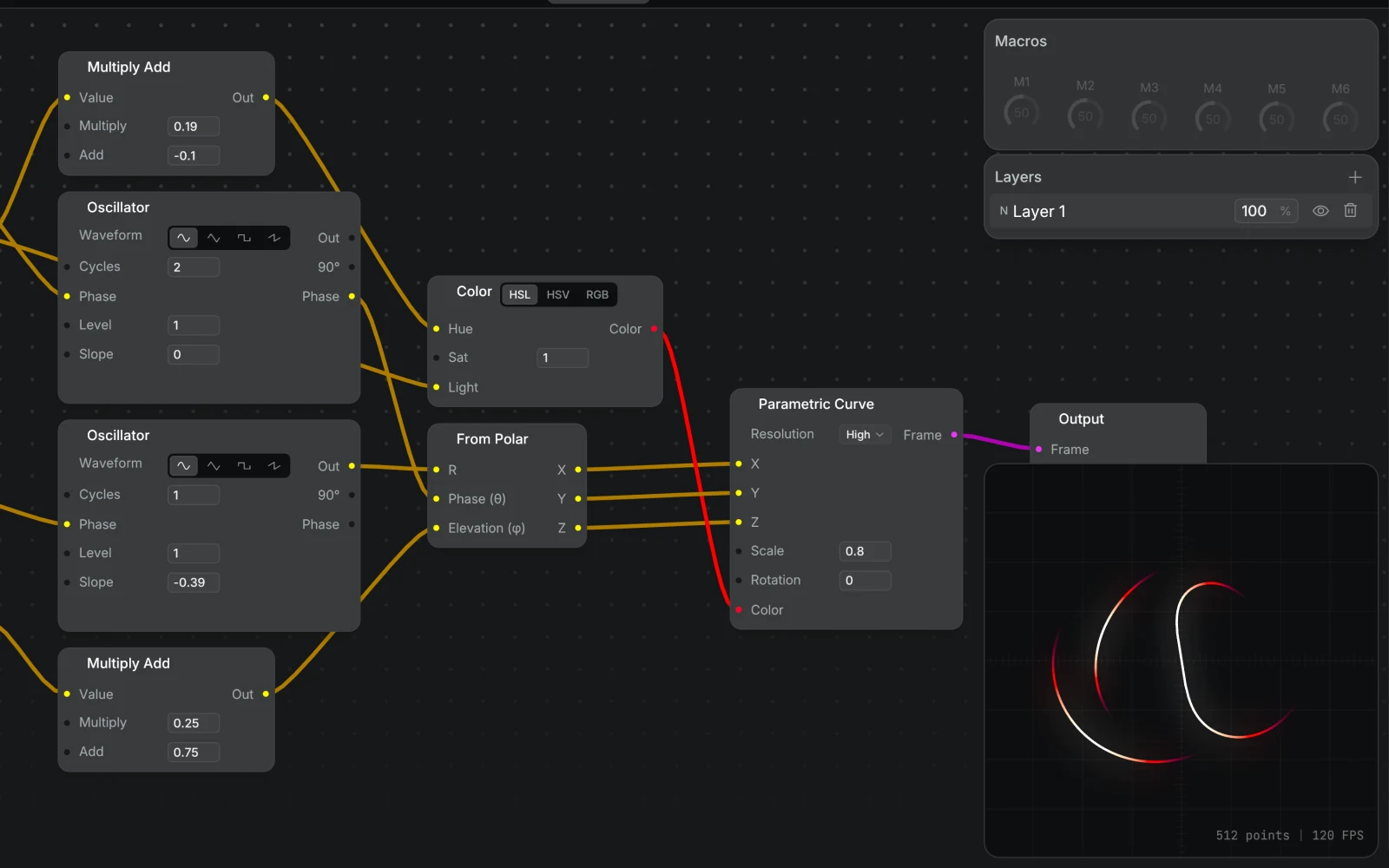
A visual canvas where you connect sources, stack effects, and route clips to output groups. If you can picture the signal flow, you can patch it.
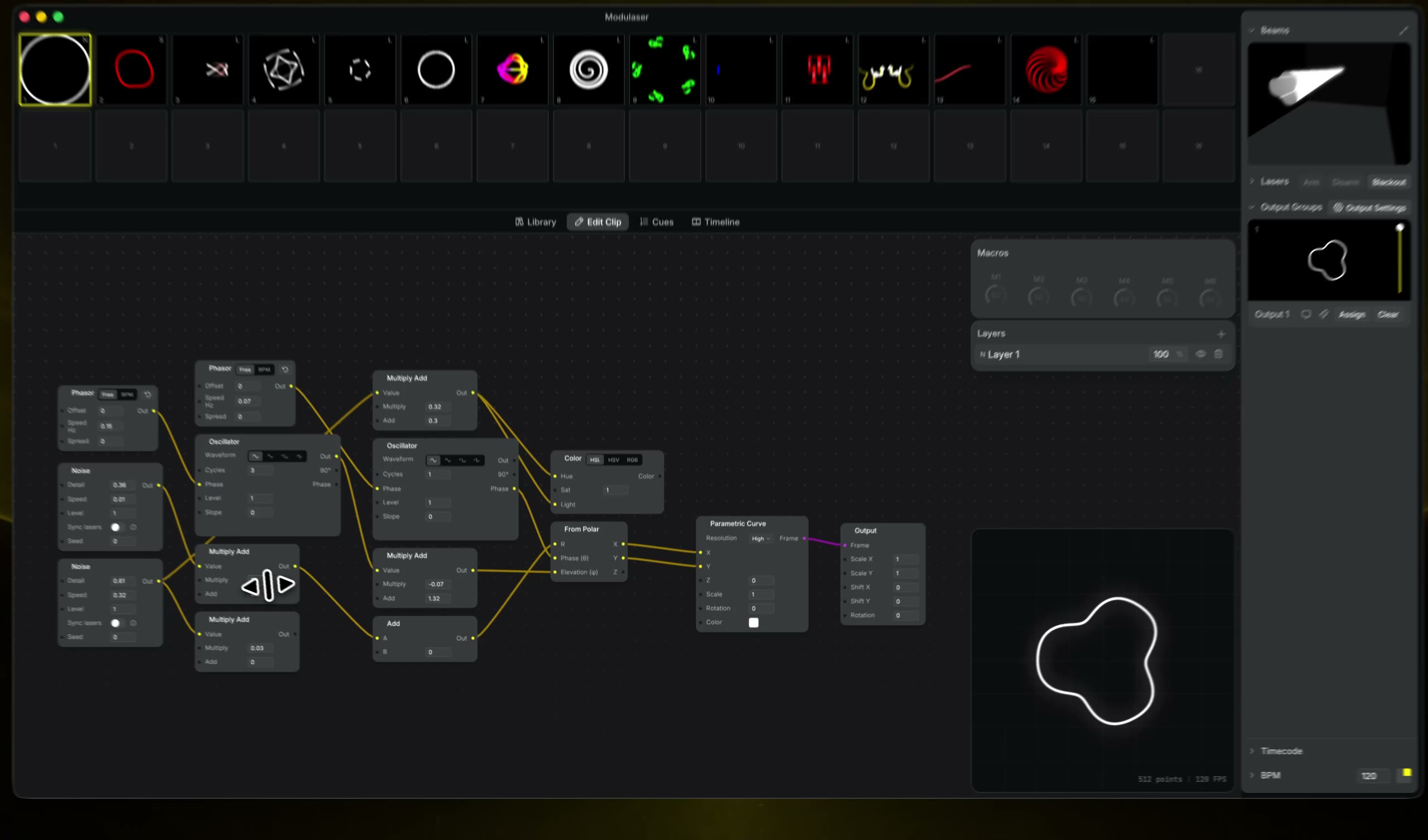
Modulaser 2 is a complete rewrite: a new node engine, faster rendering, multi-laser routing, and cleaner output from patch to projector.
Learn more →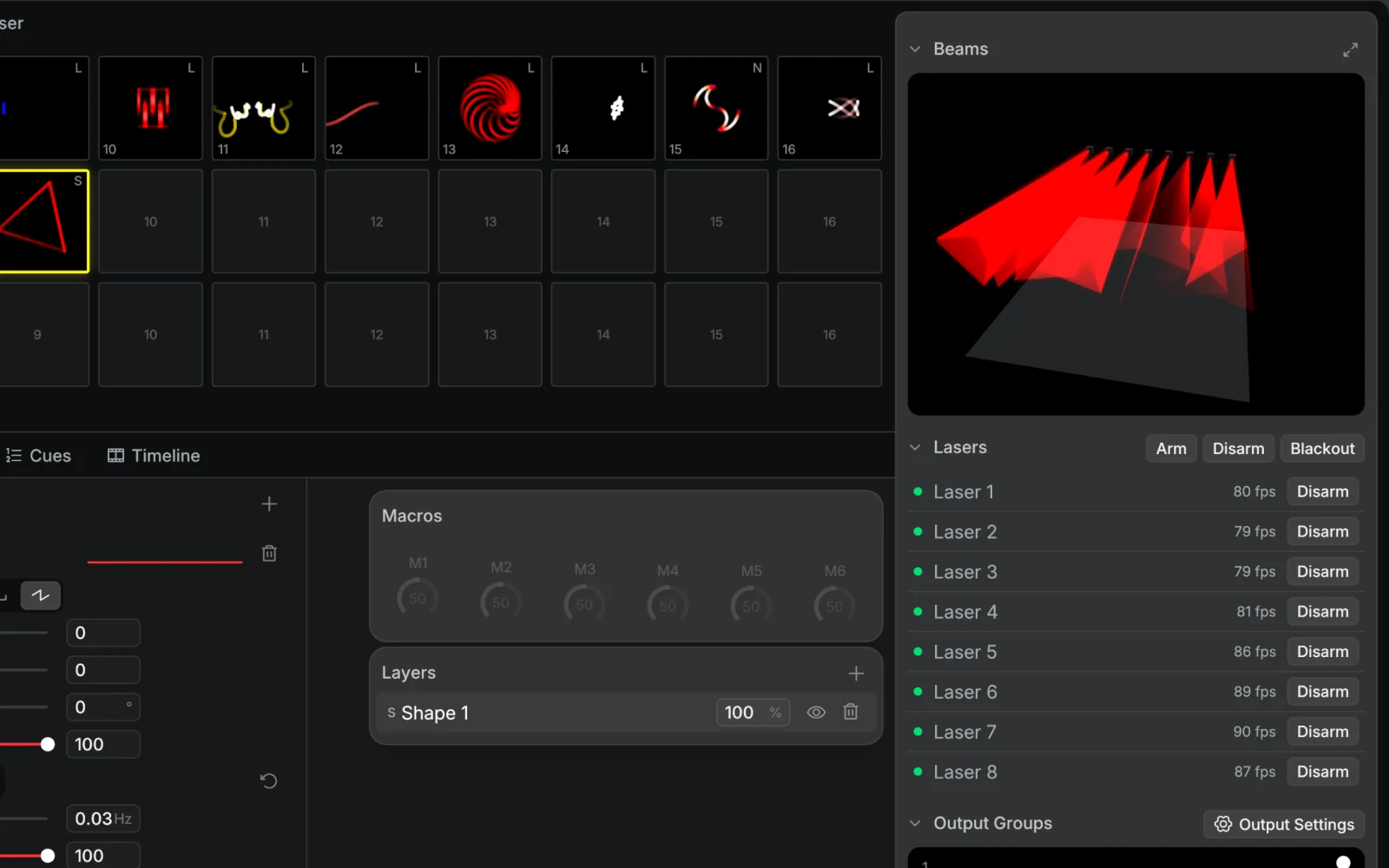
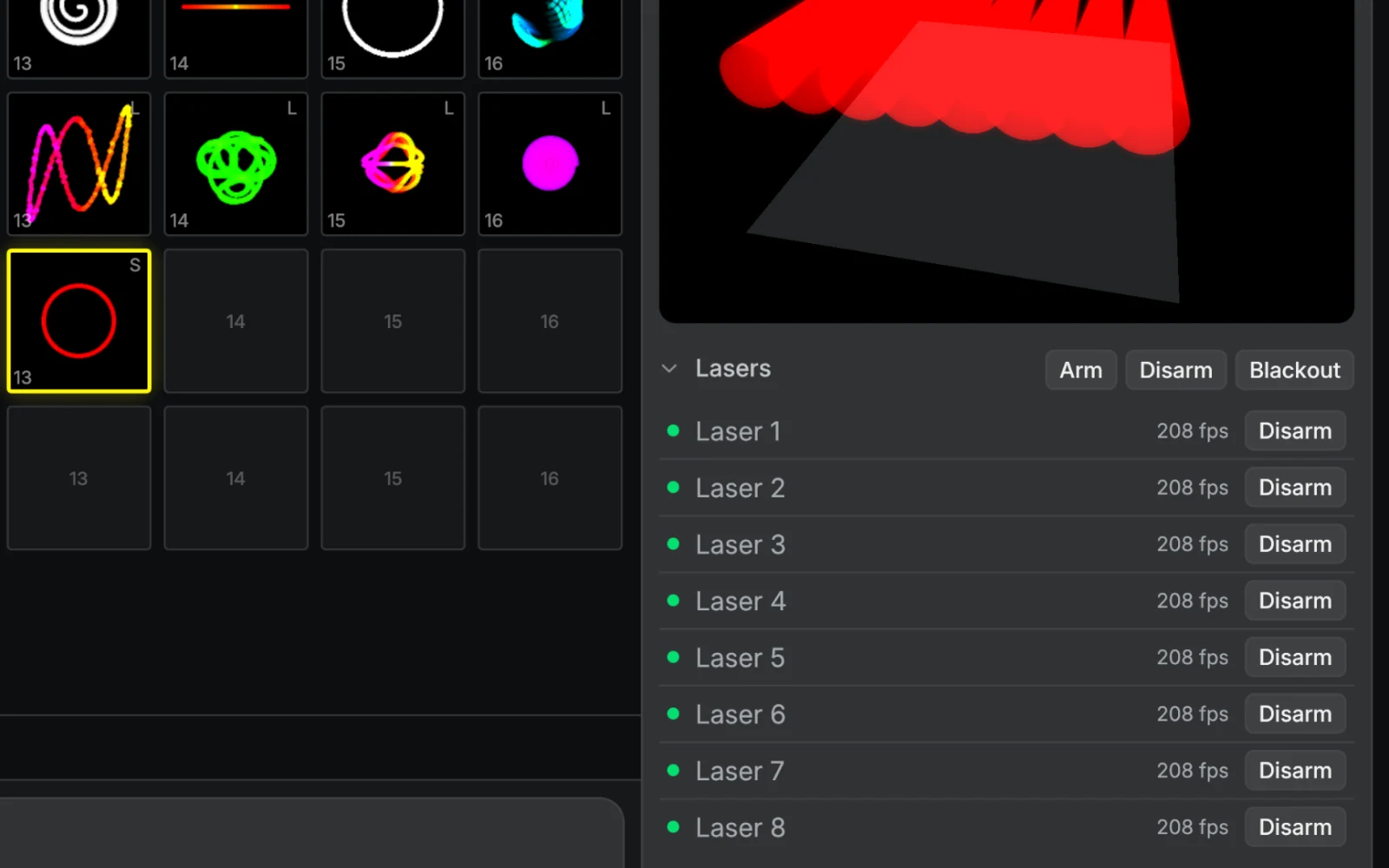
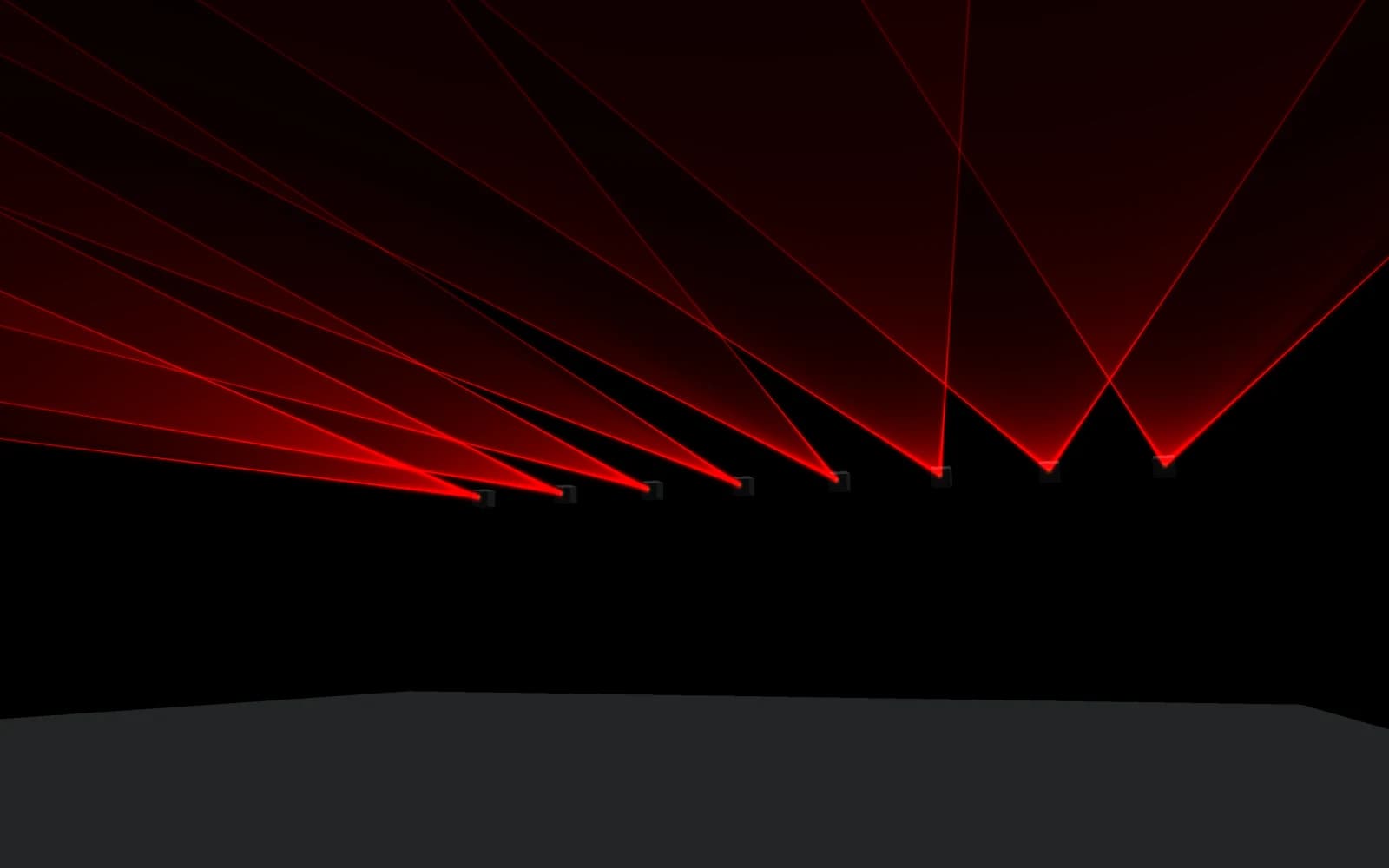
Output to multiple laser DACs simultaneously from a single patch. Route different visuals to different projectors through output groups, all in sync.
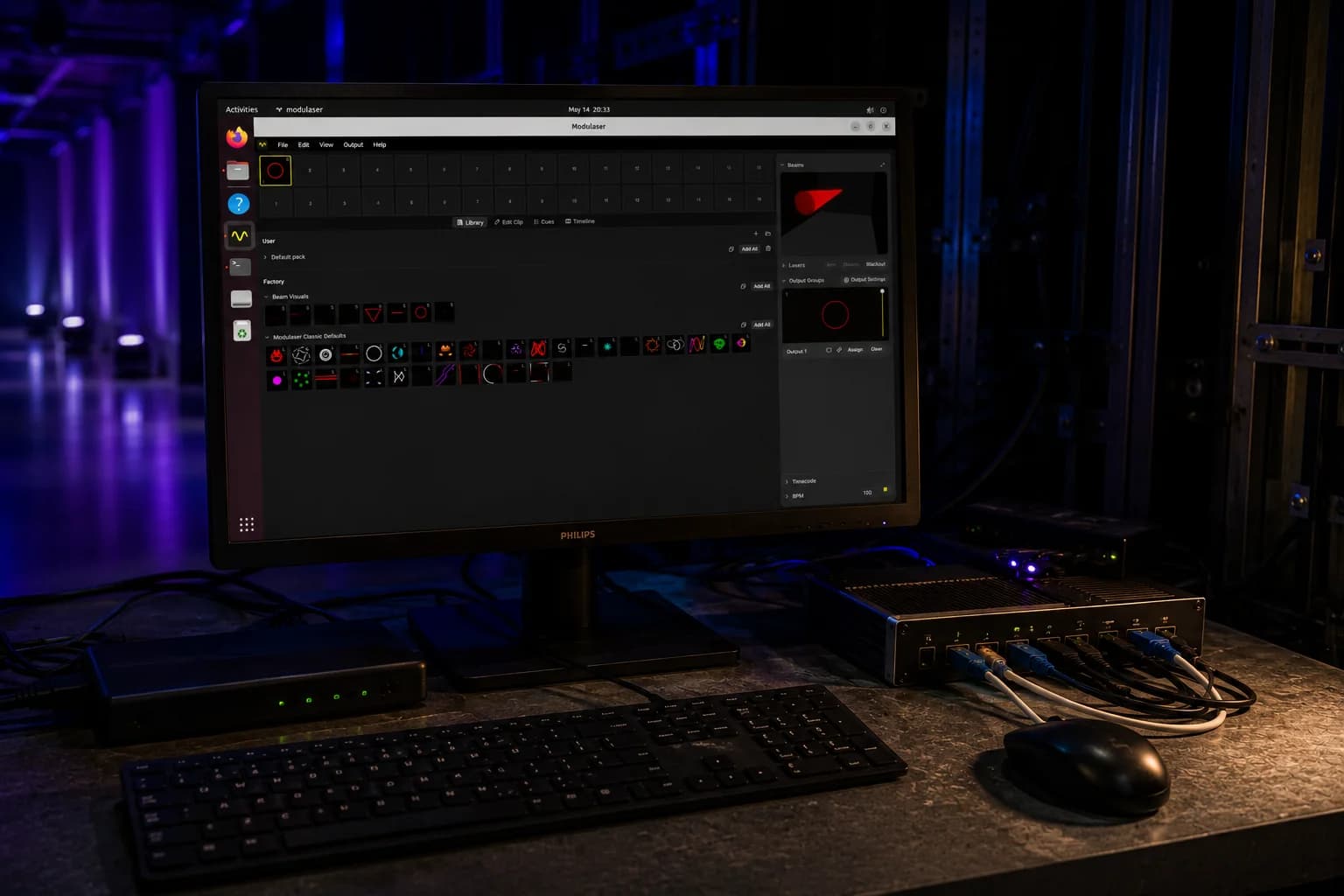
Shape visuals, perform live, and prepare your output. Laser show software for every step from patch to projector.
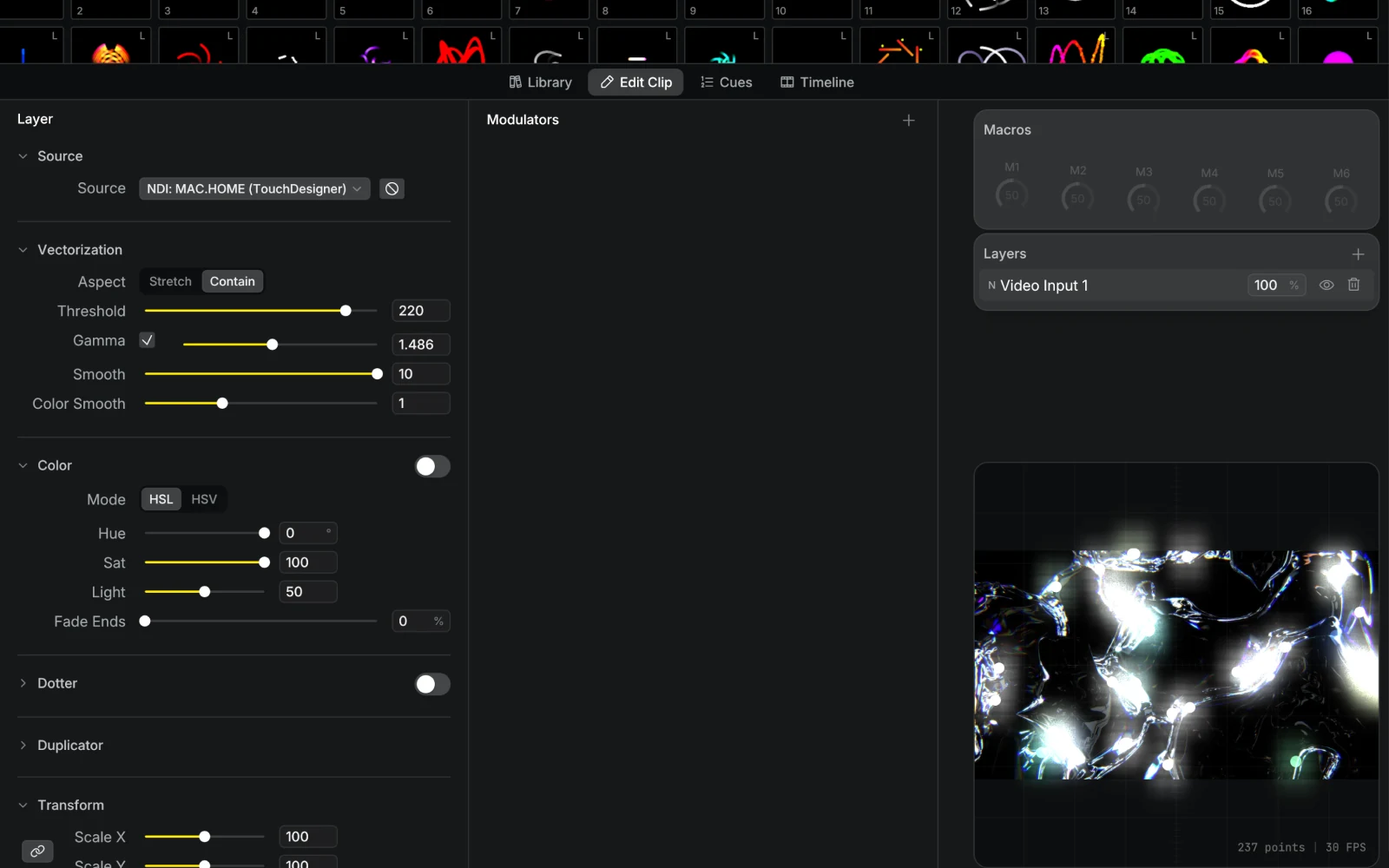
Turn music into laser visuals with audio-driven modulation and waveform projection.
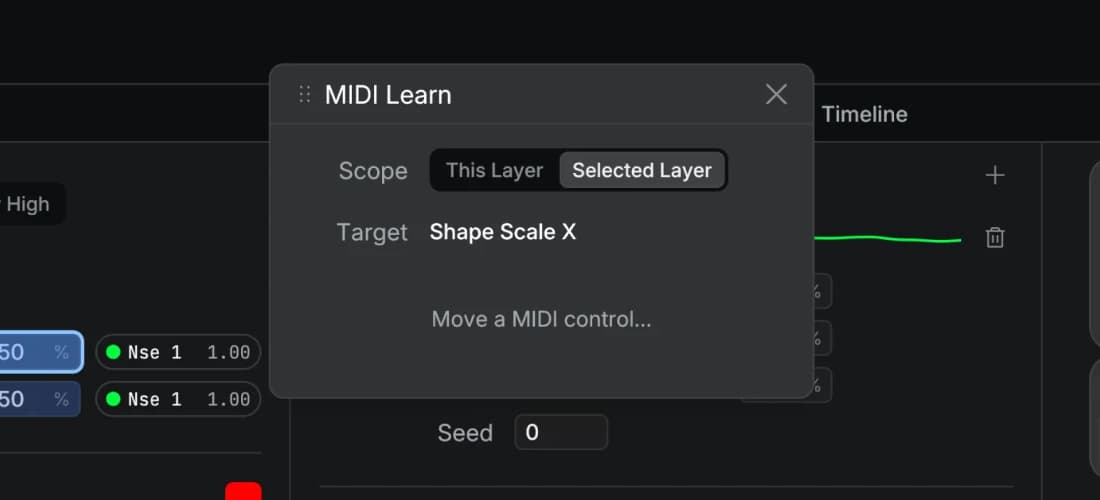
Map knobs, pads, and faders to your patch. Keep the tempo in sync with MIDI clock or Ableton Link.
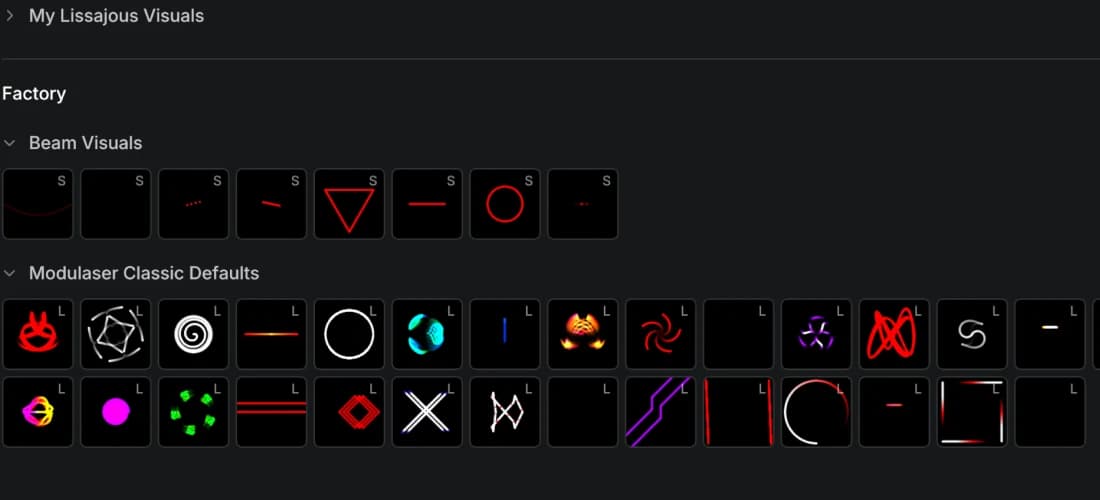
Save clips into reusable packs. Preview them live before adding them to your deck.
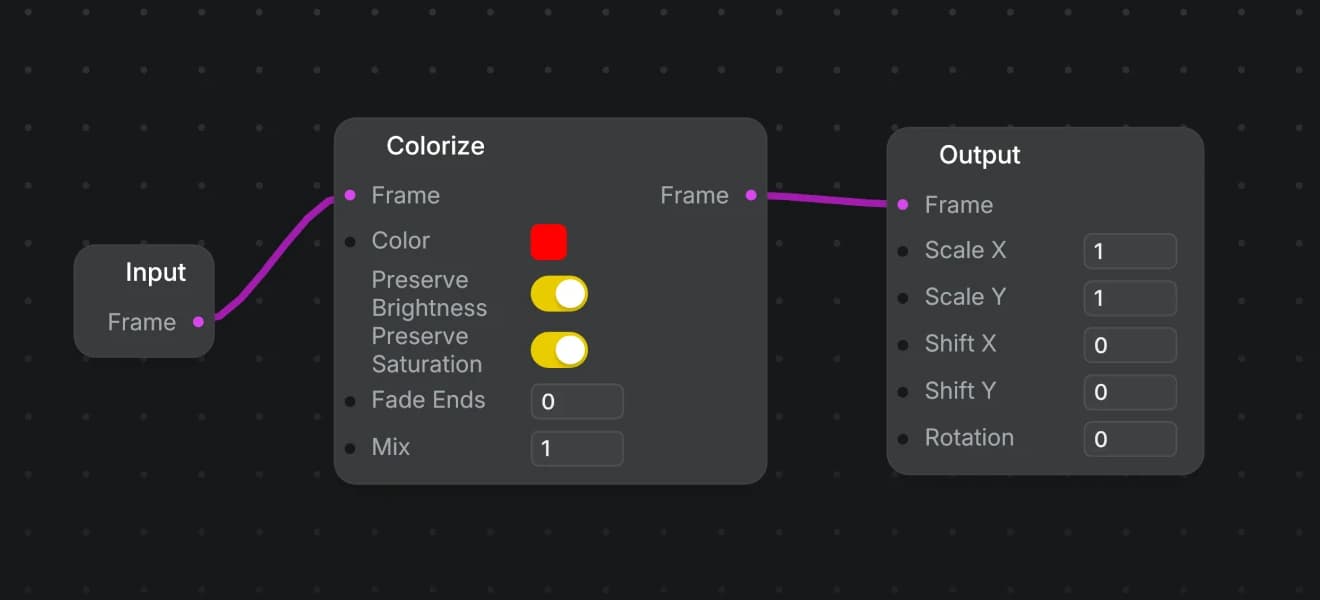
Layer effects on any output group, or patch your own in the node editor.
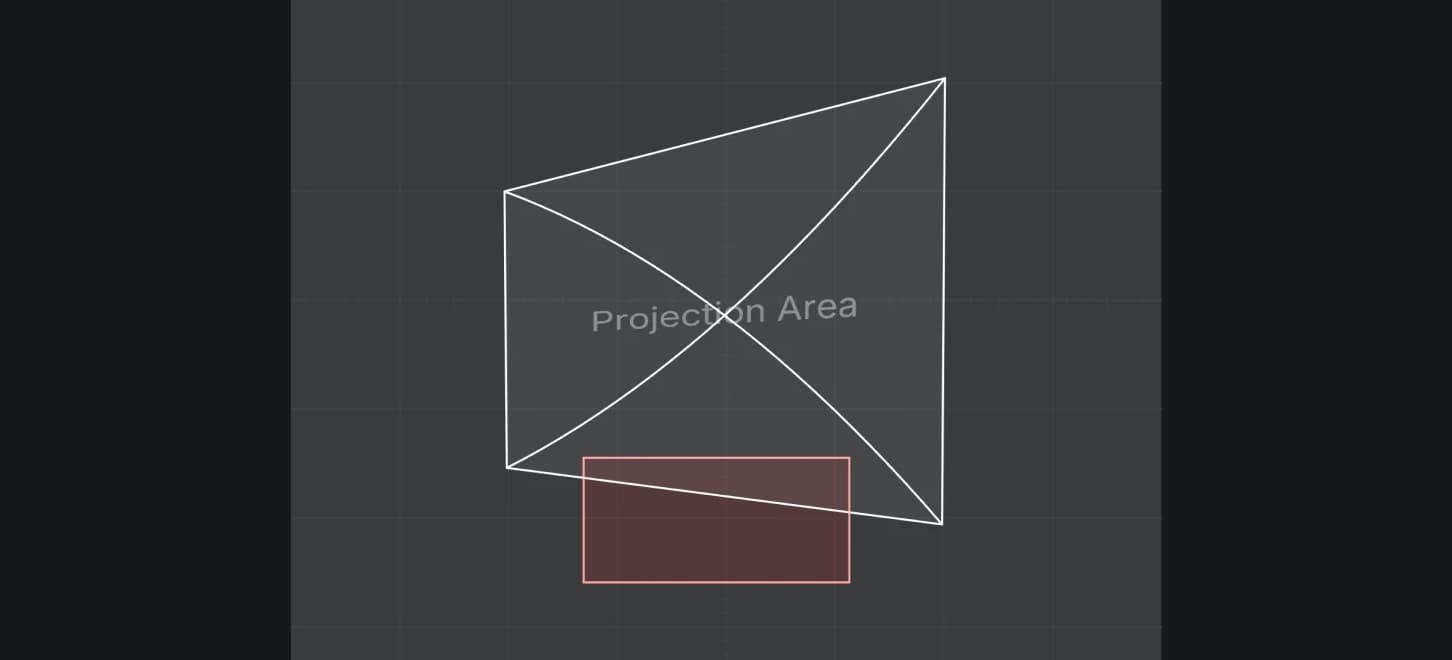
Fit laser output to your surface with four-corner mapping. Define blind zones to restrict output in selected areas.
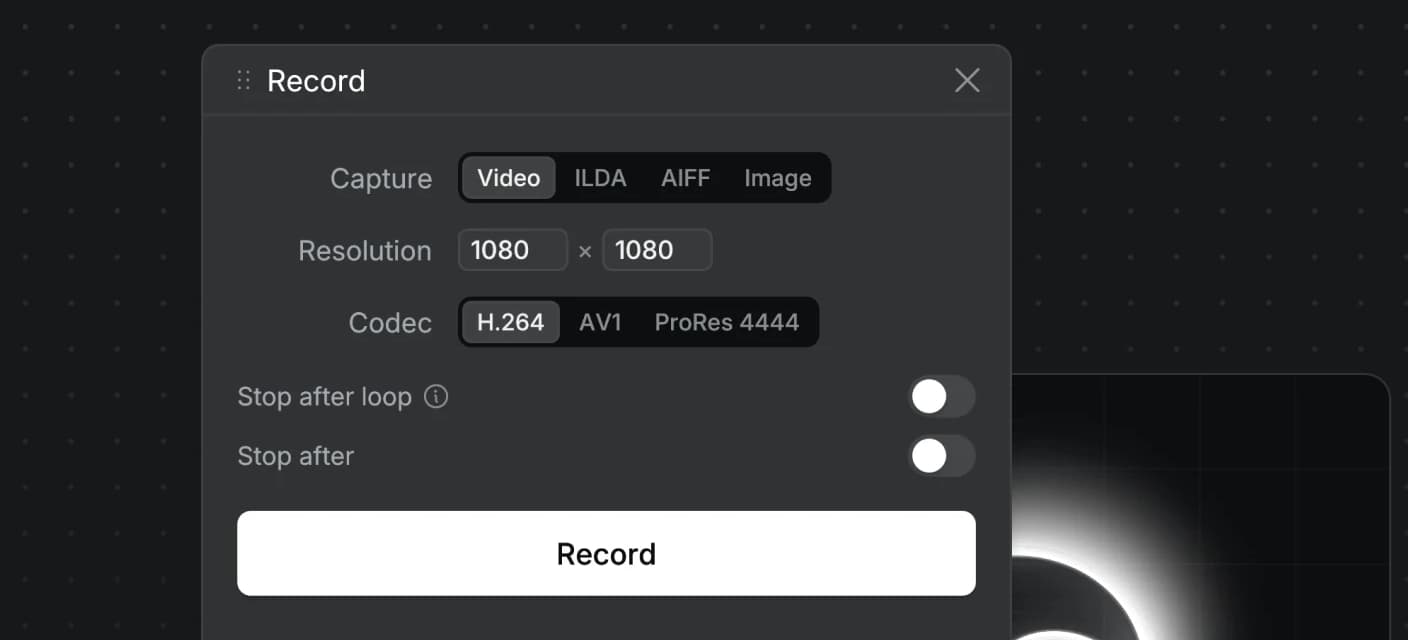
Record your visuals as video, ILDA, AIFF, or image sequences to share or use in other tools.
Modulaser supports the most popular ILDA laser DACs out of the box.
The DAC drivers behind Modulaser are open source. View laser-dac-rs on GitHub →
The trial includes the full editor, with no expiry date. Upgrade for unlimited laser output, recording, and export.
Patch and preview as long as you like. Laser output stops after 15 minutes; a license removes the limit.
For building complete laser shows with one or two laser projectors.
For multi-laser rigs, studios, and laser show installations.
30-day money-back guarantee
Upgrading from Modulaser Classic? Get your discount
By purchasing Modulaser, you agree to our Terms of Service and Privacy Policy. Always use with proper safety precautions.
Yes. Download Modulaser and use it on your own setup with no sign-up and no expiry date. Patch, preview, and output to up to 2 lasers. Laser output stops after 15 minutes; restart Modulaser to keep going. Running shows takes a license, and that is what funds development. Standard and Pro remove that limit and add recording and export.
Modulaser supports Helios DAC, LaserCube, Ether Dream, IDN, Laserworld / ShowNET (macOS and Windows only), and AVB laser hardware. Connect an ILDA projector through a supported DAC, or use a projector with a built-in supported interface.
Yes. Modulaser runs on macOS 11 or later on Apple Silicon and Intel Macs, Windows 10 and 11 on 64-bit Intel/AMD PCs, and Linux x64 or ARM64. Linux downloads are available as AppImage, .deb, and .rpm packages.
Yes. Use output groups to route clips to different lasers. Standard supports up to 2 laser outputs; Pro supports unlimited laser outputs.
New features, tutorials, and show techniques, straight to your inbox.
Patch and preview as long as you like. Laser output stops after 15 minutes; a license removes the limit.
For building complete laser shows with one or two laser projectors.
+ applicable tax
For multi-laser rigs, studios, and laser show installations.
+ applicable tax
30-day money-back guarantee
Upgrading from Modulaser Classic? Get your discount
By purchasing Modulaser, you agree to our Terms of Service and Privacy Policy. Always use with proper safety precautions.